🔥 TRENDING · Women
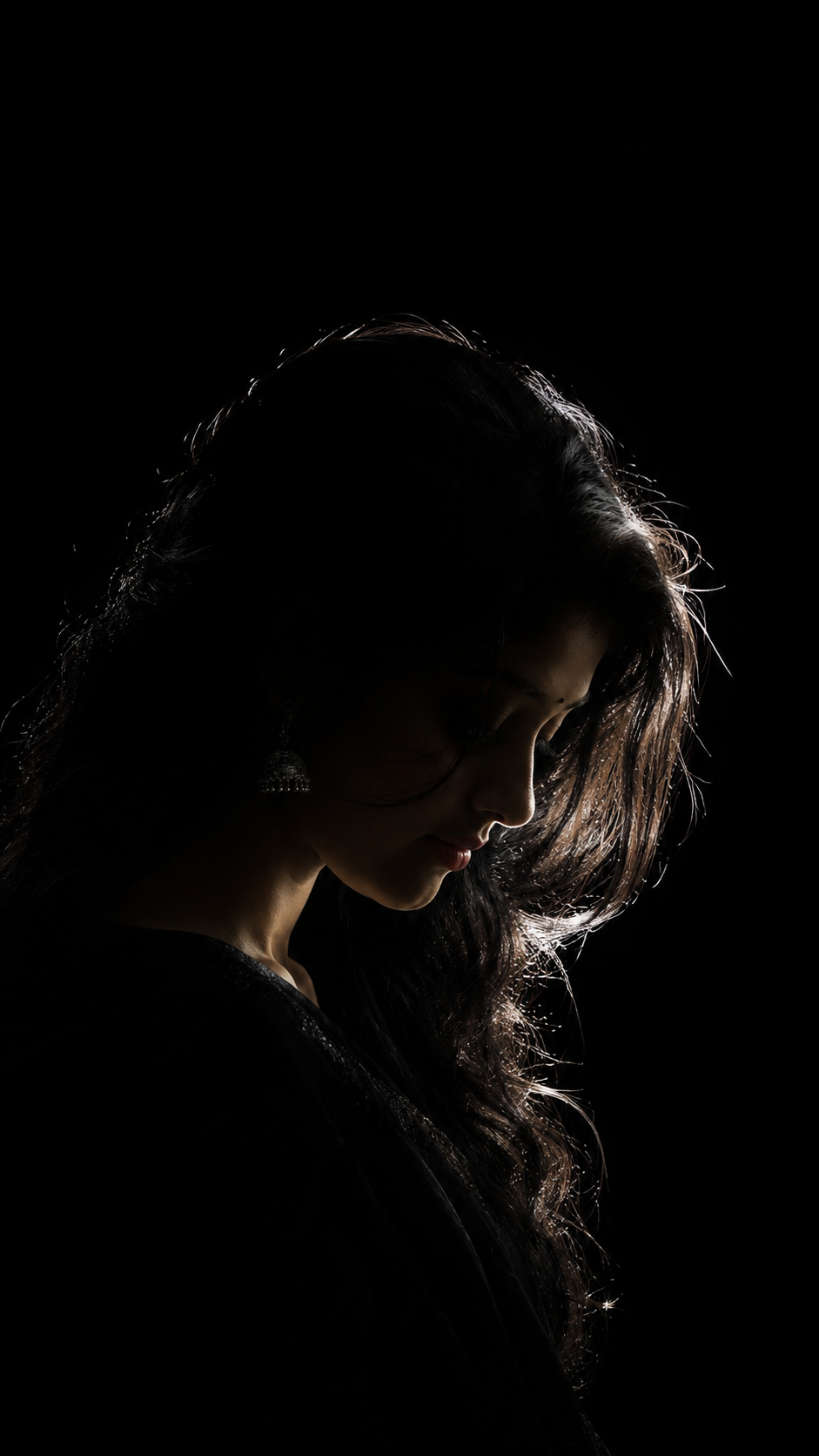
Ultra-Realistic Cinematic Low-Key Female Portrait – Dark Beauty with Dramatic Rim Lighting
Prompt
CREATE IMAGE | ULTRA-REALISTIC CINEMATIC LOW-KEY FEMALE PORTRAIT | SINGLE RIM LIGHT | DEEP BLACK BACKGROUND | VERTICAL 9:16
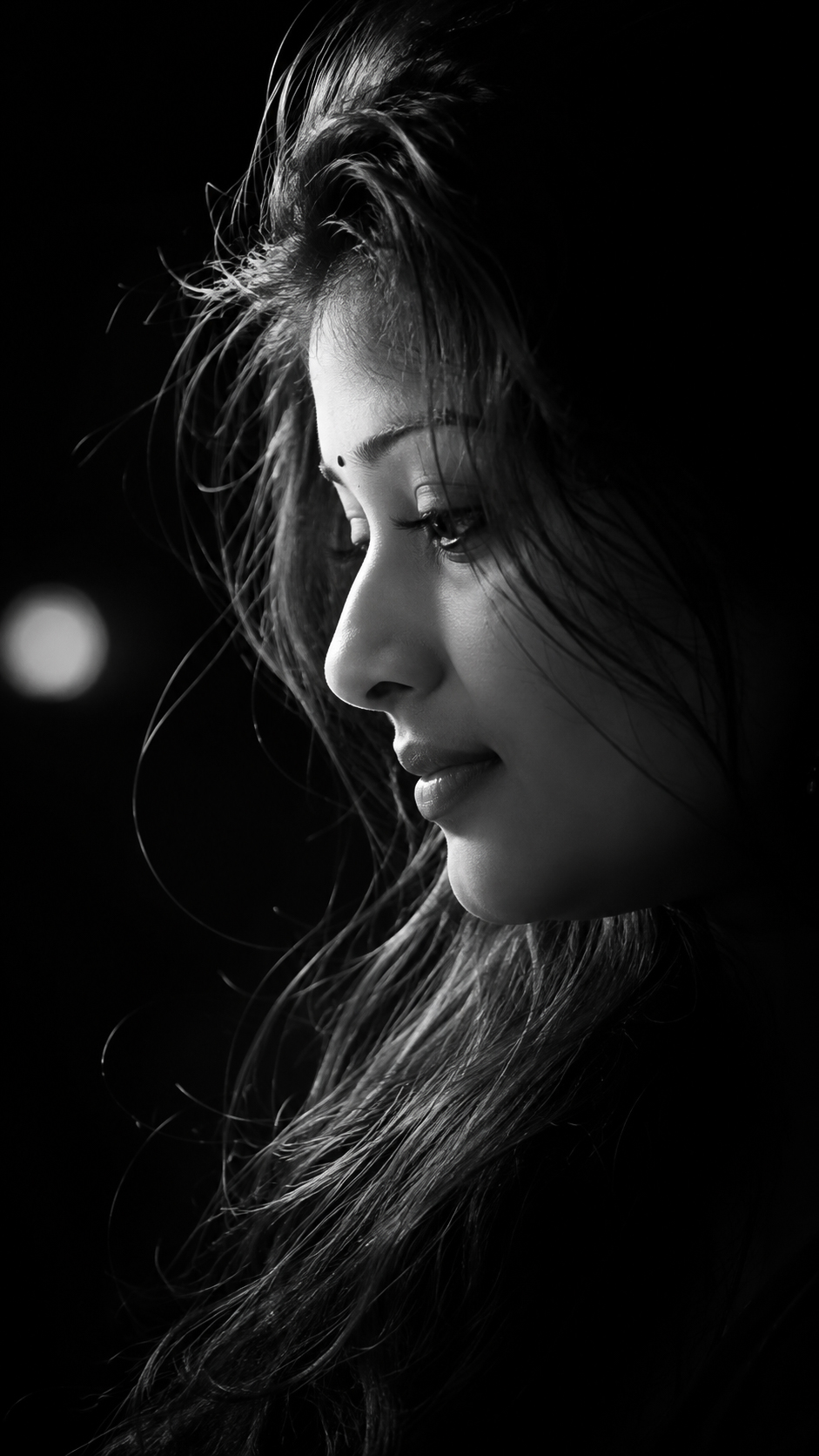
Create a photorealistic, cinematic low-key portrait of a beautiful young woman, shown from the chest up in a tall vertical 9:16 frame, positioned slightly left of center.
Pose & Composition: Her chest is not facing the camera. Her torso is turned away at a three-quarter angle, and her head is bowed deeply forward, looking down toward the ground, with her face in profile turned toward the right side of the frame. Her posture is graceful, natural and emotionally expressive. She wears a loose, elegant black top that almost disappears into the darkness. Her long, naturally wavy dark hair falls gently forward over her forehead and around the sides of her face, with a few delicate strands visible.
Lighting (EXTREMELY IMPORTANT): There is ONLY ONE single, thin ray of cool-white light coming diagonally from the right edge of the frame. The ray is narrow, precise and tightly controlled. It does not spread, does not fill the room, and does not illuminate the background.
The light touches ONLY the outer edges of her hair, creating delicate, glowing rim light on individual strands and waves. It also reveals just a tiny, beautiful sliver of her nose, lips, chin and jawline, with a very faint touch on the side of her neck. The lighting should delicately outline her feminine facial profile without revealing the entire face.
Darkness & Shadows: The woman is almost entirely swallowed by complete darkness. Her face is NOT clearly visible. Approximately 80% of her face is concealed in deep black shadow, with only the delicate outer edge of her profile barely distinguishable. Her eyes, forehead, cheeks and most facial details remain completely hidden. Her shoulders, torso and black clothing dissolve seamlessly into pure black.
The background is absolute, solid black, with no visible walls, textures, gradients or ambient illumination. Leave vast, uninterrupted negative space above and around her.
Mood & Photography Style: Mysterious, feminine, elegant, emotional and melancholic atmosphere. Deep crushed blacks, extremely minimal highlights, dramatic chiaroscuro, subtle atmospheric haze visible ONLY within the single narrow beam of light, realistic natural skin texture, beautifully detailed individual hair strands, cinematic photographic realism, shot on an 85mm portrait lens, shallow depth of field, premium professional fine-art photography.
STRICT LIGHTING RULES:
- Exactly ONE narrow cool-white light ray.
- No fill light.
- No ambient glow.
- No secondary light source.
- No background illumination.
- No visible eyes or fully illuminated face.
- Preserve the extremely dark, mysterious atmosphere.
NEGATIVE PROMPT: Bright face, visible eyes, front-facing pose, fully illuminated skin, multiple light sources, softbox lighting, beauty lighting, studio background, grey background, visible environment, excessive highlights, overexposure, artificial skin, exaggerated makeup, illustration, anime, painting, CGI, 3D render, cartoon, artificial hair, excessive glow.
OUTPUT: Ultra-photorealistic professional cinematic portrait, vertical 9:16 aspect ratio.