Dreamy Daisy Flower Portrait AI Photo Prompt | Prompt Studio
Prompt
ULTRA-REALISTIC DREAMY DAISY FLOWER PORTRAIT | VINTAGE WARM BROWN AESTHETIC | CINEMATIC DSLR PHOTOGRAPHY | VERTICAL 9:16
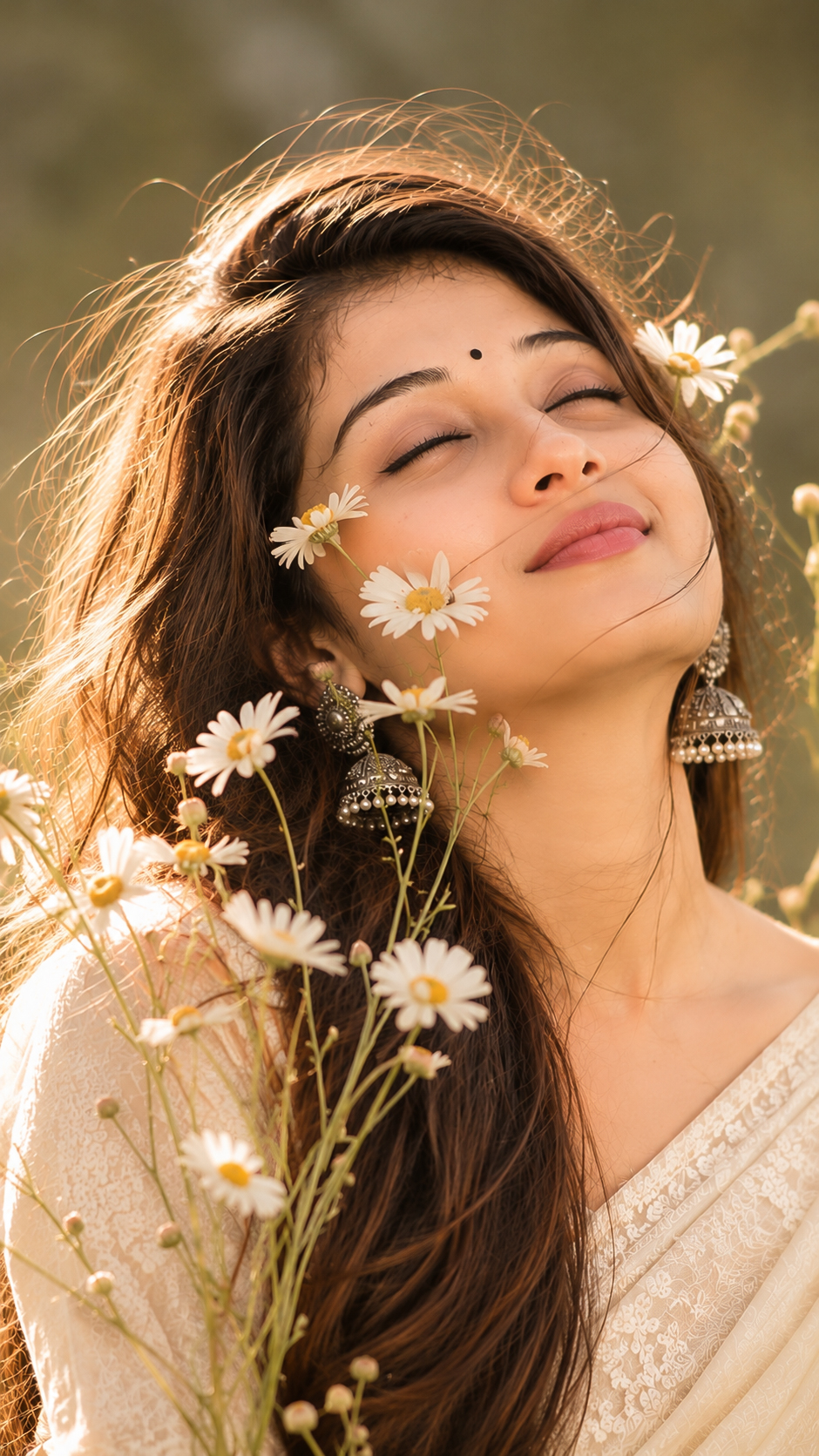
Using the uploaded girl's photograph as the ONLY FACIAL IDENTITY REFERENCE, create an ultra-realistic, dreamy cinematic portrait of the exact same girl. Preserve her 100% recognizable facial identity, natural face shape, eyes, eyebrows, nose, lips, cheeks, jawline, skin tone, and all unique facial features. Do not use or imitate the face of the inspiration model. Do not change her identity or facial proportions.
Pose & Composition: Recreate the reference photograph as closely as possible. A close-up portrait framed from the upper chest, with her head gently tilted, eyes softly closed, and lips naturally relaxed and slightly parted. Her face is positioned slightly left of center. Several delicate white daisies are arranged naturally in front of her face, with one prominent flower partially covering an eye and cheek, while smaller flowers overlap parts of her cheeks and lips. More flowers and thin stems extend upwards from the bottom foreground.
Hair & Outfit: Long, loose, dark brown-black hair, naturally messy and wind-swept, with delicate strands flowing across her forehead, eyes, cheeks, and towards the right side of the frame. She wears a simple ivory-white textured cotton or linen blouse.
Flowers: Beautiful natural white wild daisies with creamy petals and tiny golden-yellow centers. Include softly blurred foreground flowers near the camera, creating realistic depth and dreamy composition.
Lighting & Background: Warm late-afternoon golden sunlight falling softly across her face and hair. Muted olive-brown and earthy beige blurred background, with gentle shadows, natural highlights, and an intimate romantic atmosphere.
Color Grading: Match the reference image's exact visual mood with rich chocolate-brown shadows, warm amber highlights, muted earthy tones, creamy whites, slightly desaturated vintage film colors, soft matte finish, and subtle film grain.
Camera & Quality: Professional full-frame DSLR photography, 85mm portrait lens, f/1.8, shallow depth of field, natural optical bokeh, realistic skin pores, detailed individual hair strands, and beautifully rendered flower petals.
FINAL REQUIREMENTS: Strict vertical 9:16 composition. Reproduce the reference pose, flower placement, hair movement, camera framing, lighting, and warm vintage brown color tone as closely as possible. The uploaded photograph must remain the exclusive source of the girl's facial identity. No different face, no artificial beauty filter, no plastic skin, no illustration, no text, no watermark, and no borders. Photorealistic, natural, romantic Pinterest editorial photography.
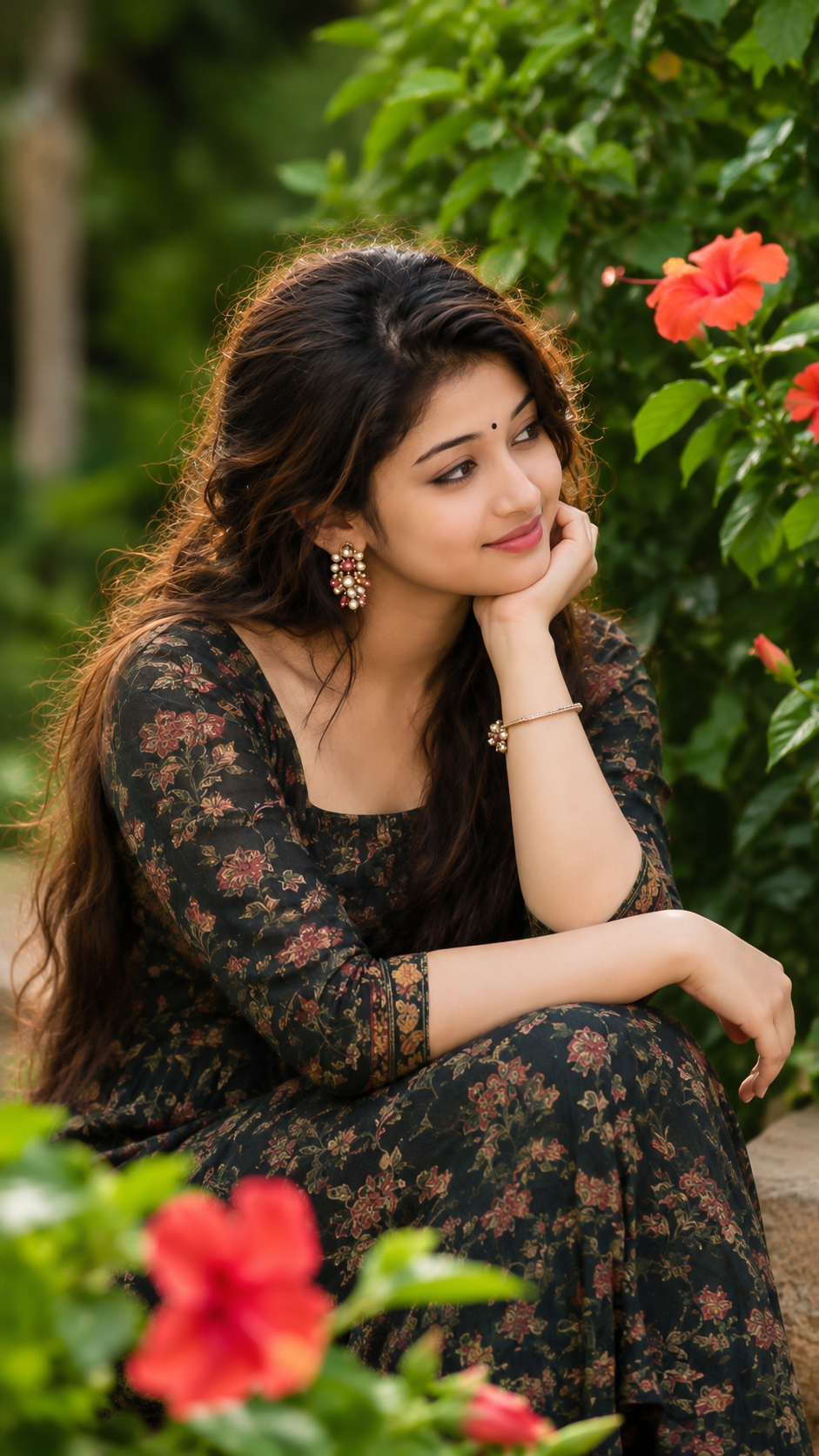
This breakdown is drawn from the wording of the prompt above. It helps you identify which visual instructions to keep consistent and which ones you may want to adjust.
Subject and identity: Using the uploaded girl's photograph as the ONLY FACIAL IDENTITY REFERENCE, create an ultra-realistic, dreamy cinematic portrait of the exact same girl. Preserve her 100% recognizable facial identity, natural face shape, eyes, eyebrows, nose, lips, cheeks, jawline, skin tone, and all unique facial features.
Clothing and styling: Hair & Outfit: Long, loose, dark brown-black hair, naturally messy and wind-swept, with delicate strands flowing across her forehead, eyes, cheeks, and towards the right side of the frame. She wears a simple ivory-white textured cotton or linen blouse.
Pose and composition: Pose & Composition: Recreate the reference photograph as closely as possible.
Lighting and colour: Lighting & Background: Warm late-afternoon golden sunlight falling softly across her face and hair. Muted olive-brown and earthy beige blurred background, with gentle shadows, natural highlights, and an intimate romantic atmosphere.
Camera and photography: ULTRA-REALISTIC DREAMY DAISY FLOWER PORTRAIT | VINTAGE WARM BROWN AESTHETIC | CINEMATIC DSLR PHOTOGRAPHY | VERTICAL 9:16 Camera & Quality: Professional full-frame DSLR photography, 85mm portrait lens, f/1.
How to Customize This Prompt
This prompt is a starting point. Keep the instructions that define the intended subject and visual direction, then adjust selected details to create a version that matches your project.
Elements covered in this prompt: reference identity, clothing and styling, pose and expression, setting and background, lighting and colour, camera and framing, artistic medium. Keep the elements that matter to your intended result, and edit only the details you want to explore.
Ideas to Try
Reference image and identity: use a clear reference image when the same person must remain recognizable. If you want a different subject, replace the reference and remove any identity-lock wording that no longer applies.
Clothing and styling: change one specific item at a time—such as garment colour, fabric, drape or jewellery—so you can compare the result without changing the whole scene.
Pose and expression: experiment with one detail at a time, such as gaze direction, hand placement, posture or the distance between subjects. Keep the main composition if it is important to the result.
Setting and background: try a different location, backdrop or level of background detail while keeping the main subject easy to identify.
Lighting and colour: change the light source or direction first. Then refine warmth, contrast, colour balance and shadow softness.
Camera and framing: test a different crop, camera angle or depth of field. Lens and camera specifications act as visual guidance; image generators do not reproduce physical camera settings consistently.
How to Use It
Copy the prompt and paste it into your preferred AI image generator.
If the prompt refers to a reference photo, upload it only if your chosen tool supports image references.
Generate a first result, compare it with the intended subject and composition, then revise one visual detail at a time.
Make Changes Carefully
For a useful comparison, save the original wording and change one major element per attempt. This makes it easier to see whether the change improved the result. Different AI tools may interpret the same wording differently, so review the output rather than expecting identical results.