🔥 TRENDING · Women
Golden Hour Portrait
Prompt
GOLDEN HOUR PORTRAIT
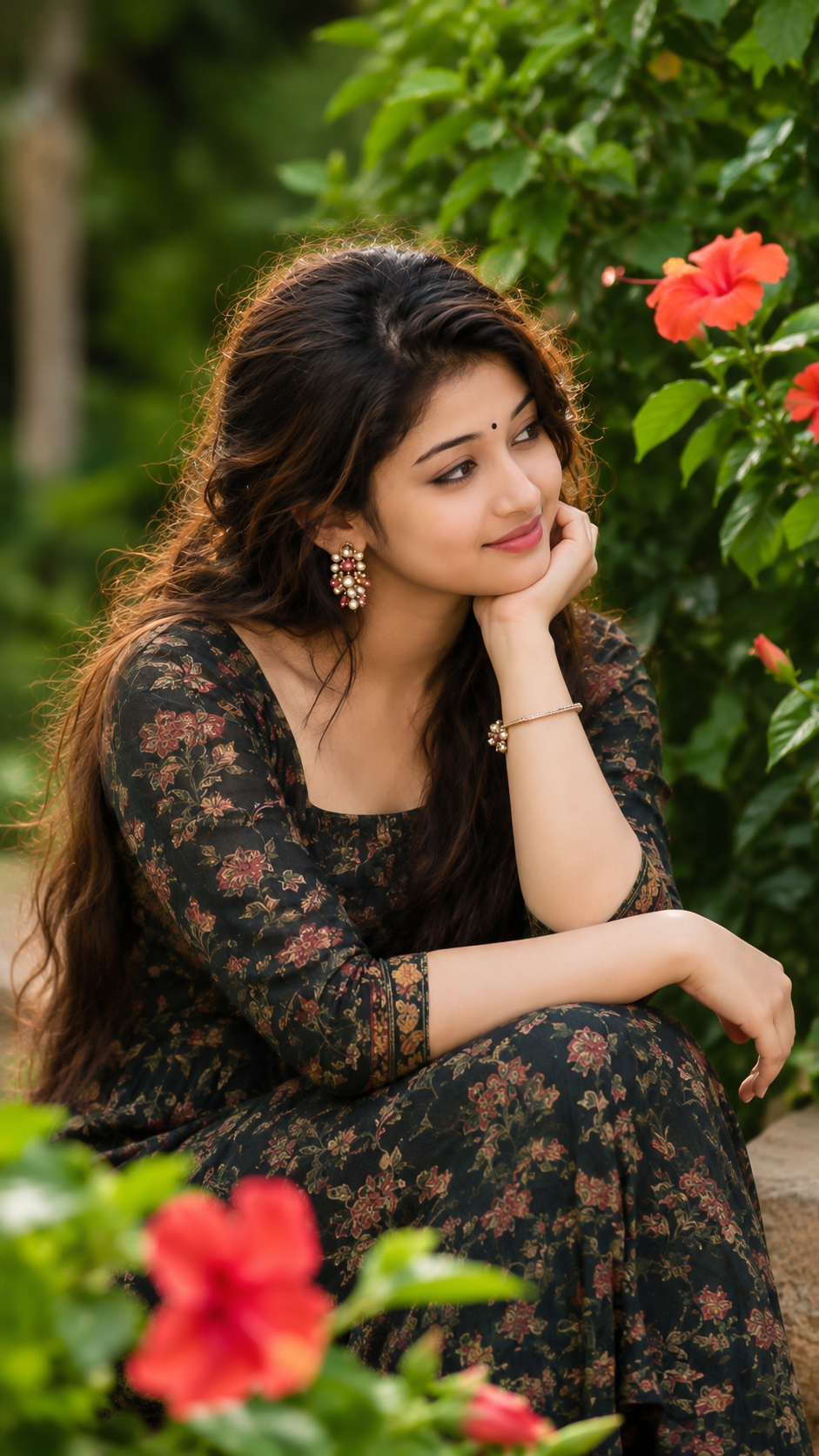
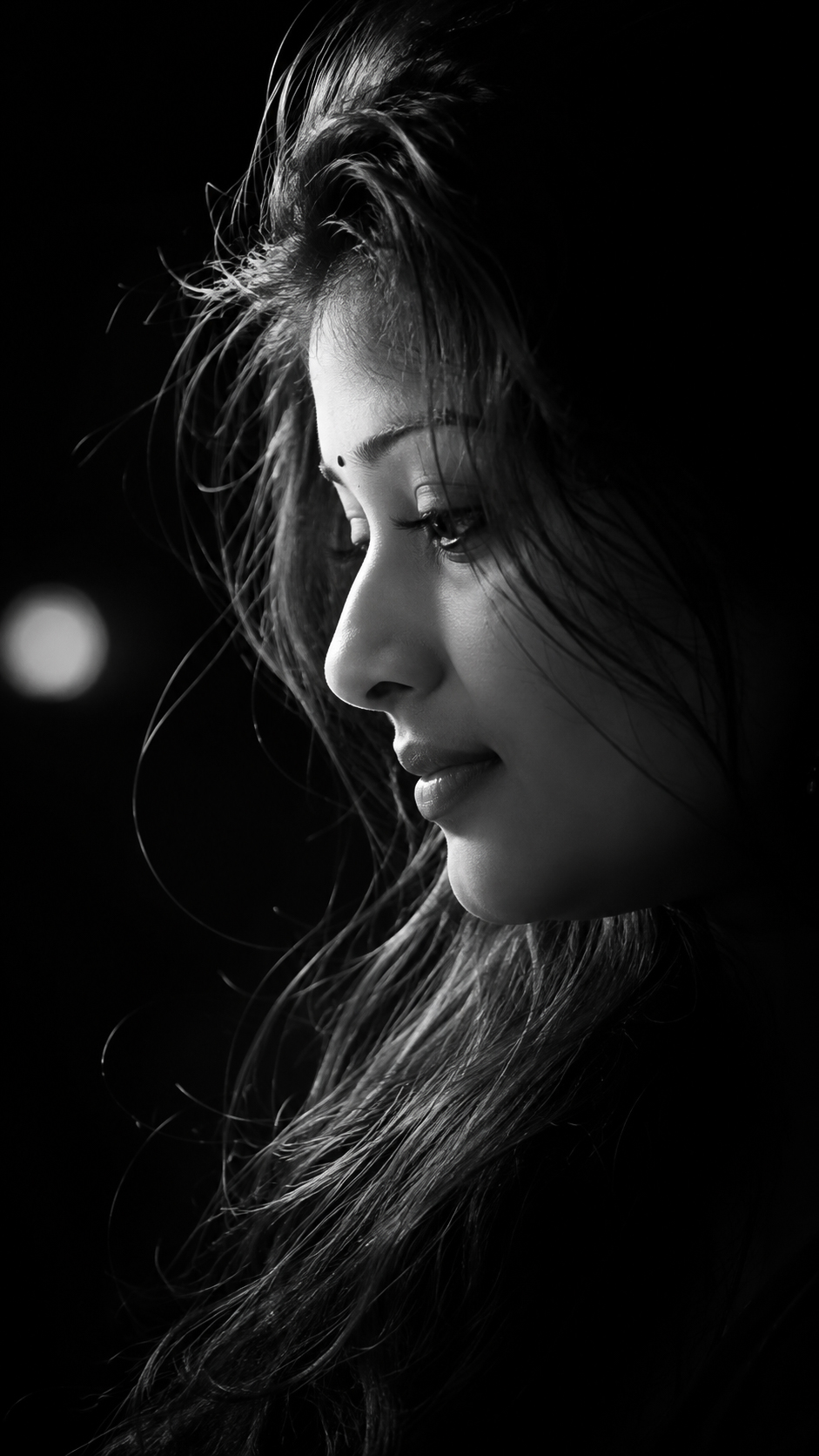
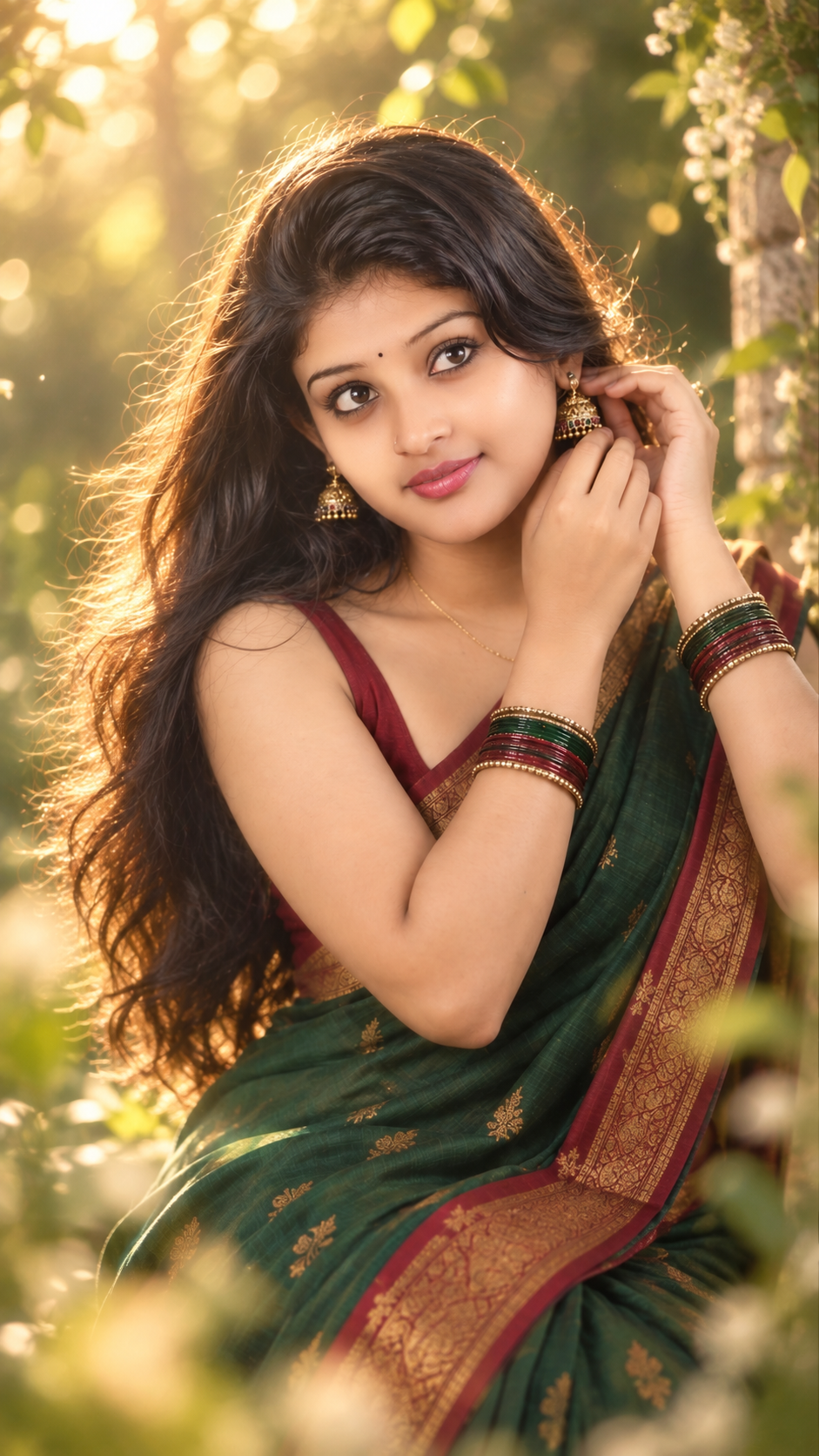
Create an ultra-realistic cinematic half-body portrait using the uploaded girl as the exact subject. Preserve her natural facial identity, facial structure, skin tone, eye shape, nose, lips, eyebrows, and recognizable appearance. Do not significantly reshape or alter her face.
POSE & EXPRESSION:
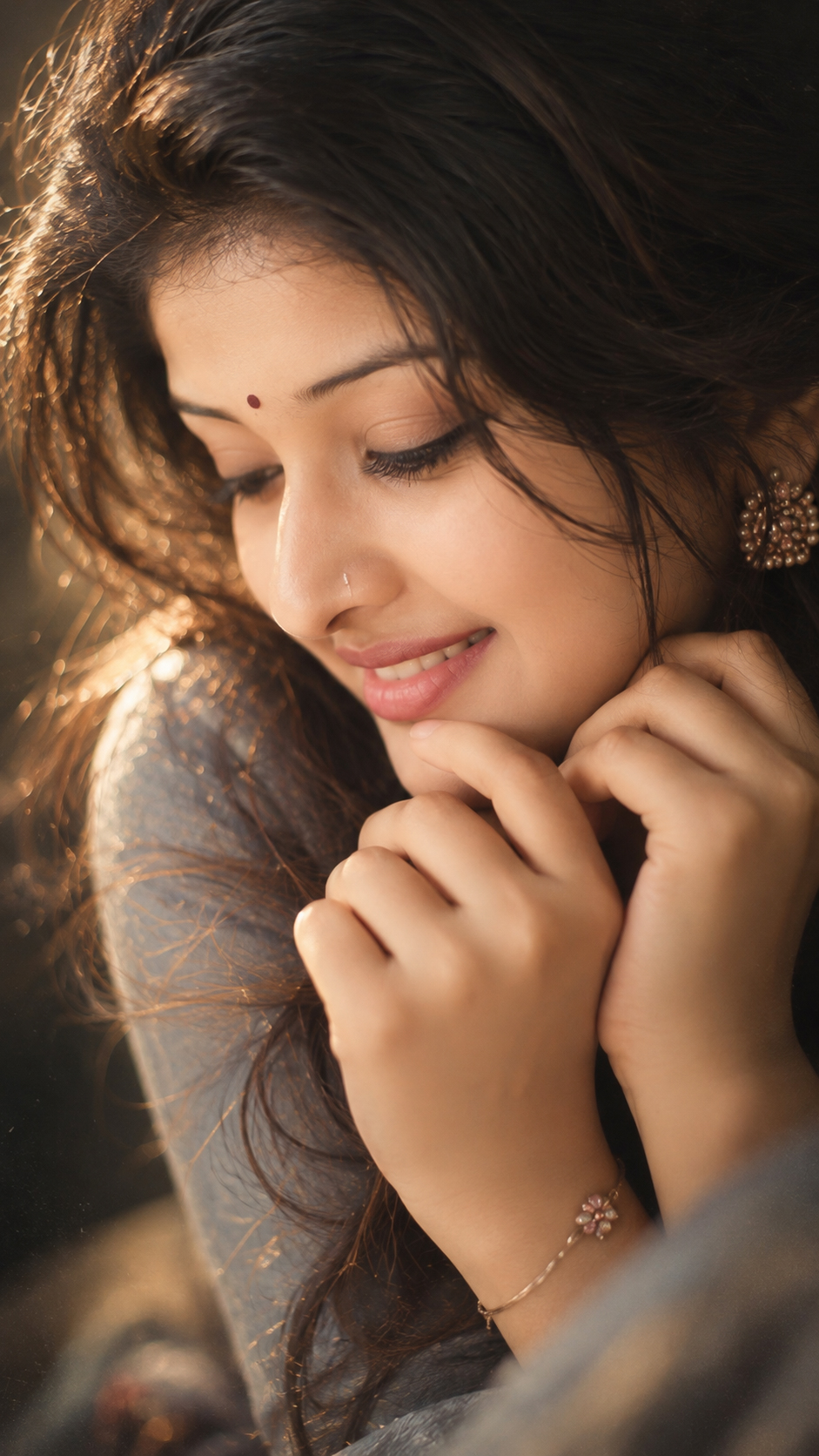
Capture her in a graceful, candid feminine pose as if she is gently putting on or adjusting a traditional jhumka earring. Both hands are delicately raised beside one ear, fingers naturally touching the earring. Her elbows remain relaxed and elegant rather than stiff. Her upper body is turned slightly at a three-quarter angle, while her head is softly tilted toward the raised hands. She looks slightly upward and off-camera with beautiful expressive eyes and a calm, dreamy, mildly curious expression. Her lips are naturally relaxed and slightly parted. The moment should feel completely candid, as though she was photographed while getting ready.
OUTFIT:
Dress her in an elegant deep emerald/forest-green South Indian silk saree, beautifully draped with natural folds and subtle fine golden detailing. The saree has a sophisticated muted red/maroon and antique-gold border. Pair it with a fitted deep ruby-red sleeveless traditional blouse with thin shoulder straps, maintaining an elegant traditional appearance.
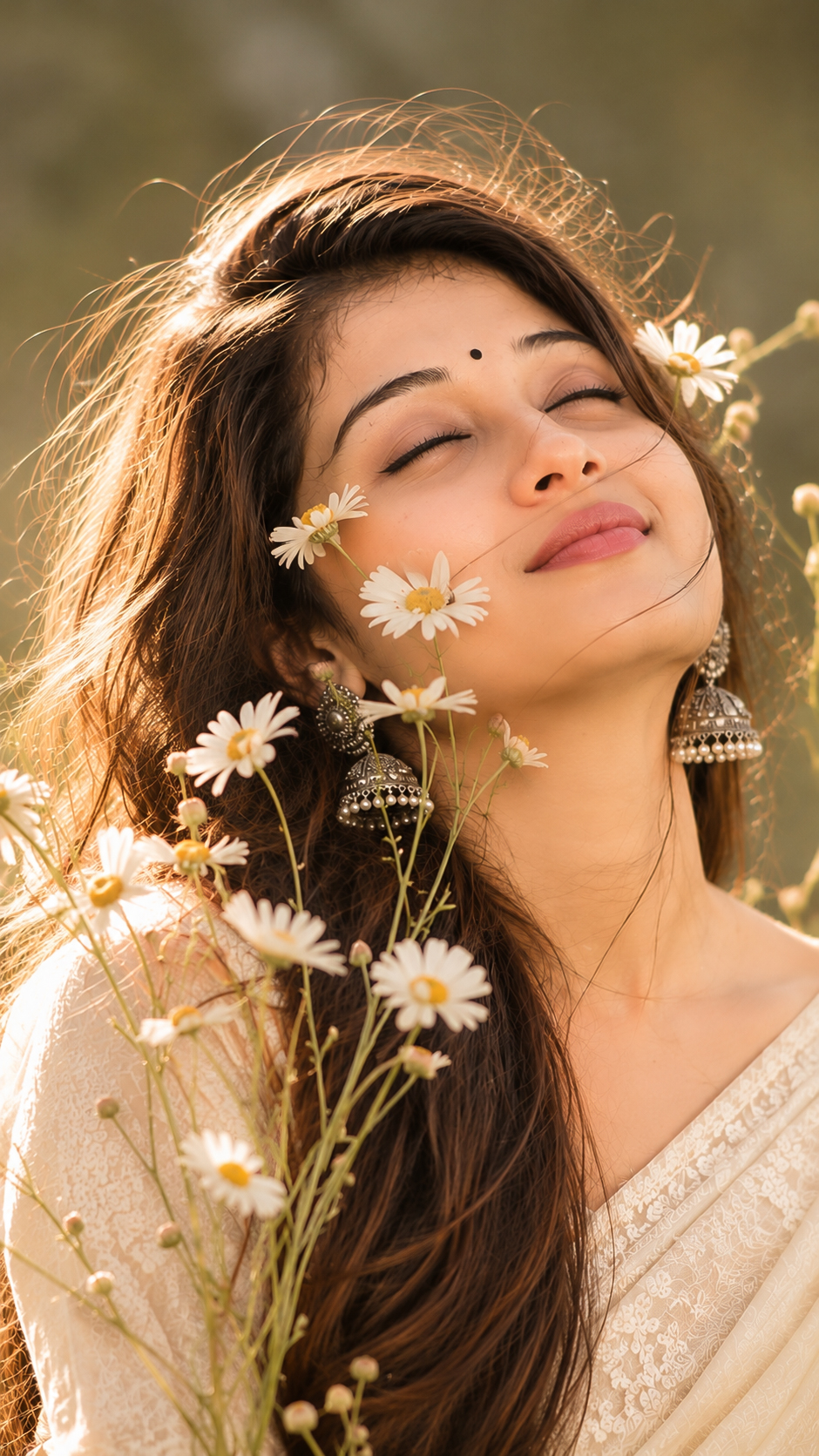
Add traditional antique-gold jhumka earrings, a very delicate minimal gold chain, a tiny subtle bindi, and coordinated green, deep-red and antique-gold glass bangles on both wrists. Keep the jewelry tasteful and realistic rather than excessively bridal.
HAIR:
Give her beautiful long, loose, naturally flowing black hair, exceptionally smooth, soft and silky with realistic individual strands. Keep a few delicate loose strands around her cheeks, forehead and shoulders. A strong but soft golden-hour backlight should pass through and around these loose strands, creating a gorgeous glowing rim light. The sunlight should transform the illuminated edges of her dark hair into warm golden-brown, honey and subtle copper highlights, while the main body of her hair remains naturally dark. Avoid artificial-looking blonde hair.
BACKGROUND & LIGHTING:
Replace the original surroundings completely with a beautiful lush green outdoor setting during golden hour. Use distant green foliage, soft leaves and vegetation rendered as creamy, dreamy bokeh. Position the low warm golden sunlight behind and slightly to one side of her, filtering naturally through the leaves. Create sparkling circular golden bokeh highlights, subtle atmospheric haze and a delicate sun-kissed glow around her silhouette.
Let some warm sunlight gently touch the side of her face, cheek, shoulder, hands and hair while maintaining soft flattering shadows. Her skin should have a natural warm luminous glow, realistic pores and fine skin texture without plastic smoothing or excessive beauty retouching.
COMPOSITION:
Vertical 9:16 portrait composition, framed approximately from the upper thighs/waist to slightly above the head, creating an intimate half-body fashion portrait. Keep her as the dominant subject with enough background separation around her head and hair. Use a natural eye-level camera position and a flattering 85mm full-frame portrait-lens look at approximately f/1.8–f/2, producing strong subject separation and beautifully compressed background bokeh.
IMAGE QUALITY & MOOD:
Ultra-photorealistic professional DSLR portrait photography, 16K-detail appearance, HDR dynamic range, tack-sharp focus on the eyes and eyelashes, extremely detailed silky hair strands, realistic saree weave, natural jewelry reflections, lifelike hands and fingers, cinematic depth of field, creamy bokeh, soft highlight roll-off, warm golden-hour color grading and premium editorial photography quality.
The final photograph should feel romantic, serene, elegant and naturally feminine — a candid South Indian saree portrait captured during a magical golden-hour moment, not an obviously posed studio photograph.
Avoid: altered facial identity, overly fair or artificial skin, plastic skin smoothing, excessive makeup, bridal-heavy jewelry, stiff hands, malformed fingers, extra fingers, unnatural body proportions, artificial hair, blonde hair, oversaturated green tones, harsh sunlight, blown highlights, fake-looking background, excessive HDR, excessive sharpening, text, watermark or frame.
This version is written so the AI doesn’t need this reference image to understand the earring-adjusting pose, tilted head, three-quarter body angle, saree combination, and golden backlit hair effect.