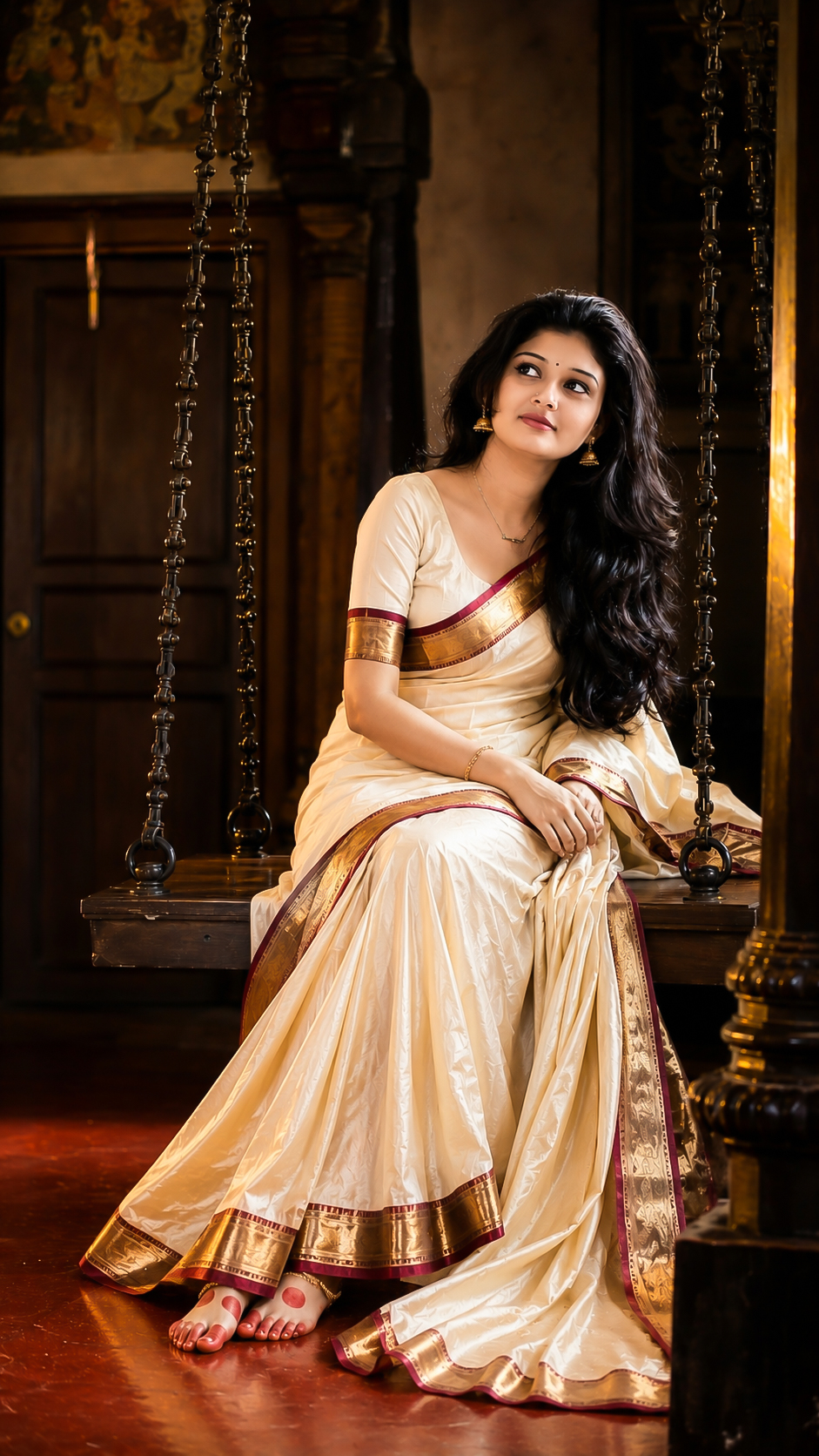
Traditional
TRADITIONAL WOMEN PORTRAIT PROMPT ✨
Prompt
Create an ultra-realistic fine art portrait using the uploaded girl's exact facial features, skin tone, eye
shape, eyebrows, nose, lips, jawline, hair texture, and natural beauty. Preserve her identity with
maximum facial accuracy while transforming her into a timeless Kerala heritage-inspired scene.
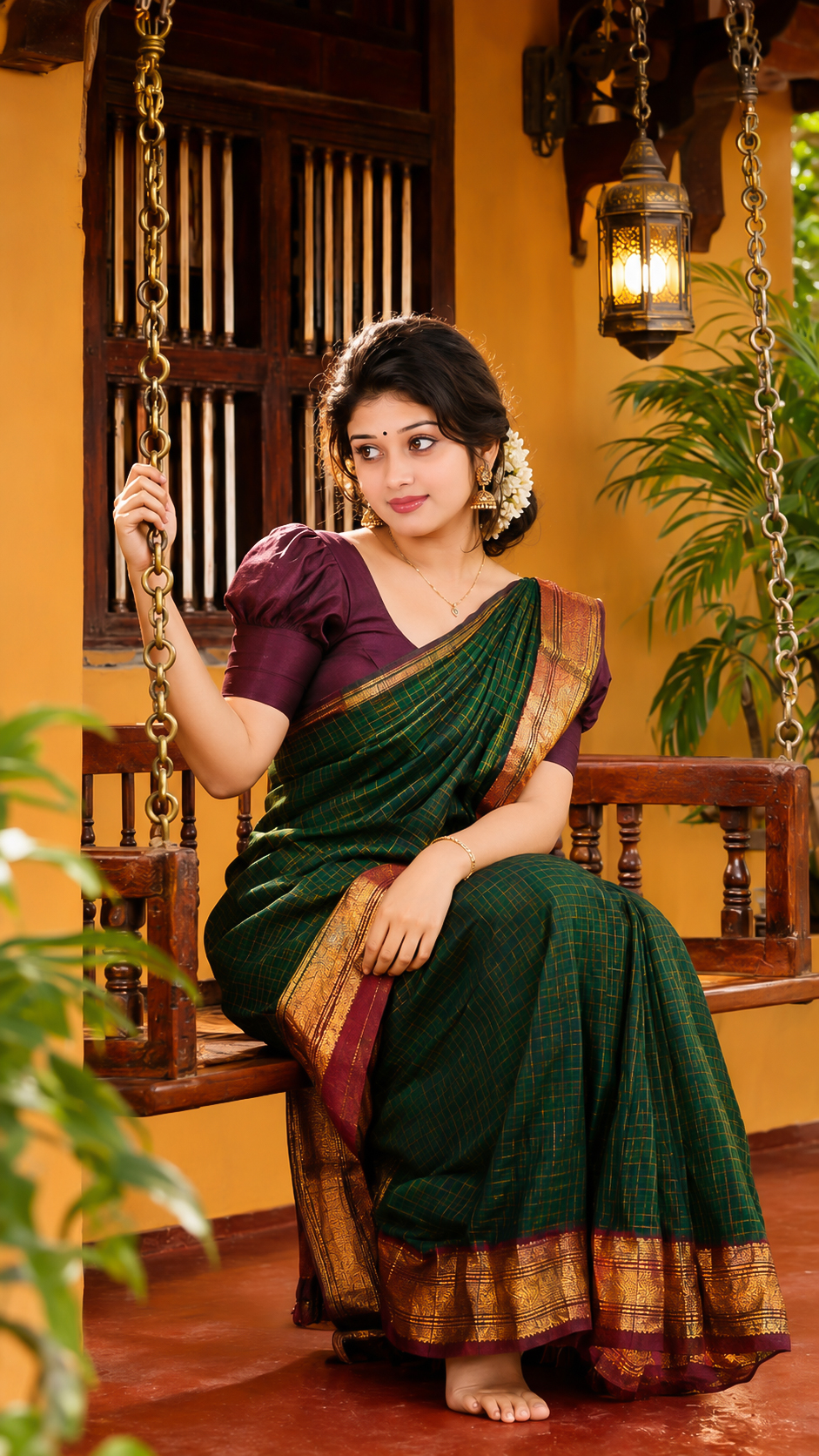
The girl is seated gracefully on a traditional wooden hanging swing suspended by antique black iron
chains inside a historic Kerala nalukettu-style ancestral home. Her body is positioned in a three
quarter side profile facing toward the right side of the frame. She sits elegantly on the swing with
her torso slightly turned, shoulders relaxed, back naturally straight, and head gently tilted toward
her left shoulder. Her gaze is directed sideways with a soft, confident smile, creating a calm and
graceful expression.
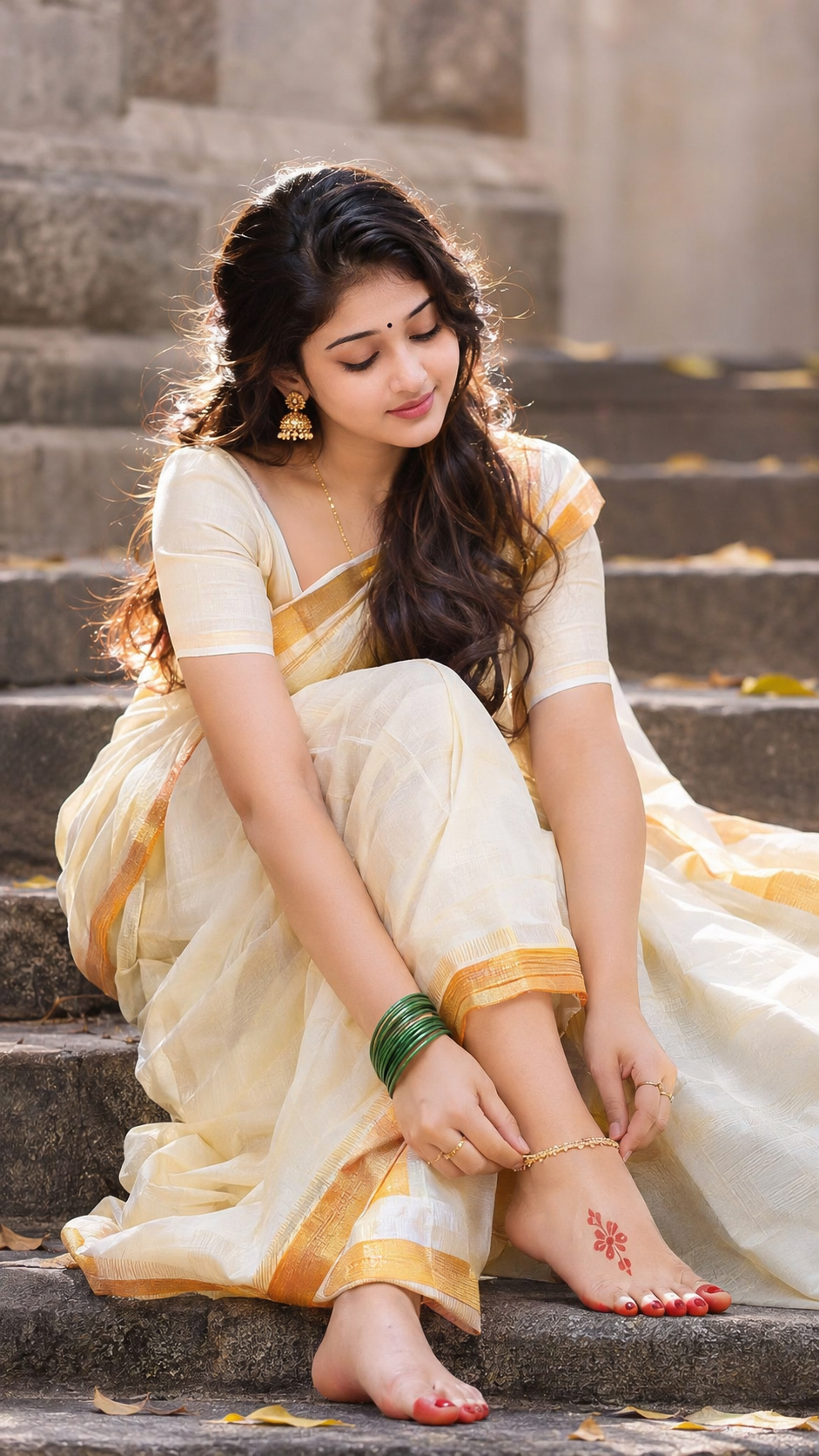
She wears an authentic ivory-white Kerala kasavu saree featuring rich deep maroon and gold zari
borders. The saree drapes naturally across her body with luxurious folds cascading over the swing
and flowing down toward the floor. Traditional gold jhumka earrings, delicate anklets, and subtle
Kerala bridal-inspired accessories enhance the look while maintaining elegance and realism.
Her long, naturally wavy black hair falls freely over one shoulder and down her back, with soft
strands framing her face. Her feet are gently extended forward in a relaxed, poised position, showing
traditional red alta applied to the soles and toes. Her hands rest naturally on her lap, conveying
grace and serenity.
The background features a warm, atmospheric Kerala heritage interior with aged wooden pillars,
carved wooden doors, textured cream walls, antique décor, and rich earthy tones. The traditional
polished red oxide floor reflects subtle ambient light, creating beautiful reflections and depth. The
swing occupies the center-right portion of the composition, while the surrounding architecture adds
authenticity and cultural richness.
Lighting is cinematic and warm, with soft golden illumination entering from the side, creating
realistic highlights on the skin, saree folds, hair strands, and wooden textures. Ultra-detailed skin
pores, natural facial texture, realistic eyes with catchlights, physically accurate fabric rendering,
intricate saree embroidery details, and lifelike shadows should be clearly visible.
Professional medium-format camera quality, ultra-photorealistic rendering, museum-quality portrait
photography, exceptional depth, HDR lighting, realistic color grading, ultra-sharp focus on the
subject, natural bokeh, fine texture preservation, masterpiece composition, editorial fashion
photography, luxury heritage portrait, 8K Ultra HD, hyper-detailed, maximum realism.
Aspect Ratio: 9:16 Vertical
Negative Prompt: plastic skin, low quality, blurry, soft focus, low resolution, overexposed,
underexposed, artificial lighting, extra limbs, extra fingers, distorted anatomy, incorrect saree
draping, duplicate body parts, unrealistic eyes, crossed eyes, bad proportions, waxy skin, cartoon,
anime, CGI look, 3D render appearance, oversaturated colors, excessive sharpening, noise, artifacts,
watermark, text, logo, cropped feet, cropped hands, floating objects, messy background, motion
blur, unnatural pose, stiff expression, unrealistic fabric folds, poor texture detail, deformed face, bad
hands, bad feet, male subject, additional people.