Use the uploaded girl's face exactly as her identity. Preserve her natural facial features with
complete accuracy, including her exact face shape, forehead, eyebrows, eyelashes, eyes, nose, lips,
jawline, cheekbones, ears, skin tone, pores, freckles, moles, and natural skin texture. Do not
beautify, reshape, slim, smooth, de-age, or alter her identity in any way. The final result must clearly
look like the same girl.
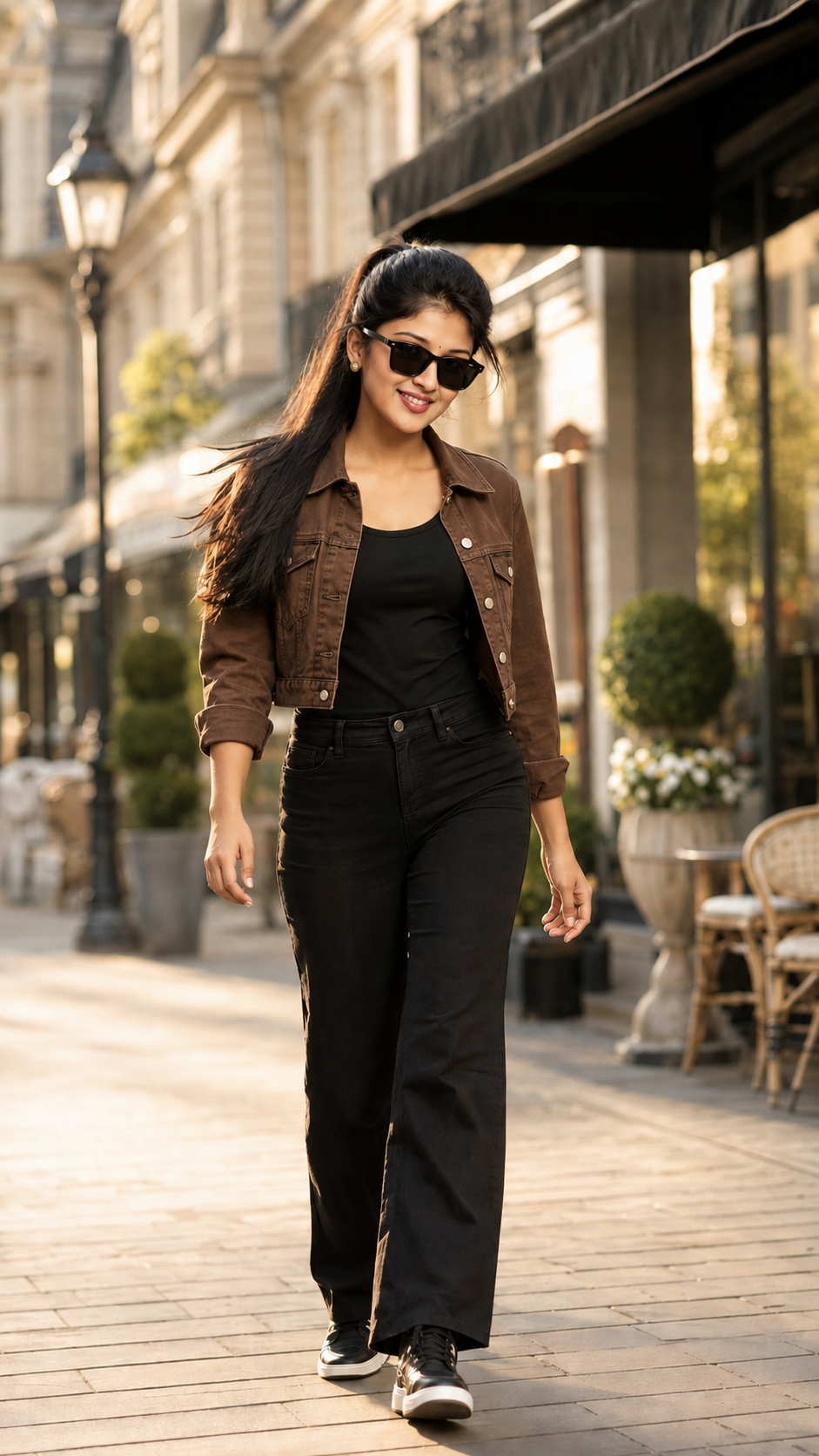
Dress her brown denim crop jacket with black tank top (not crop) with black jeans, paired with clean
matching shoes, Keep the high ponytail hairstyle, with long, straight dark brown hair, natural shine,
soft silky texture, and gentle movement created by a light breeze. Maintain the same hair color,
volume, and elegant styling.
Capture her in a happy, relaxed, confident walking pose, smiling naturally while looking to camera
with a square black sunglasses, with effortless elegance and positive energy. Her posture should be
graceful and fashionable, with realistic arm movement and a naturally flowing dress that enhances
the sense of motion.
Place her in a beautiful luxury outdoor lifestyle setting featuring stylish European-inspired
architecture, elegant walkways, premium cafés, designer storefronts, soft greenery, artistic street
details, warm golden-hour sunlight, and a creamy cinematic bokeh background. The environment
should feel vibrant yet sophisticated, with a premium fashion-editorial atmosphere.
Use soft golden-hour lighting to create warm highlights on her face and hair, natural skin tones,
realistic shadows, and subtle rim lighting that adds depth and dimension. Render every detail with
ultra-high realism, including fabric texture, hair strands, skin pores, reflections, depth of field, and
natural colors.
Camera: Canon EOS R5 with RF 85mm f/1.2L lens Settings: f/1.2, ISO 100, 1/2000 sec, eye-level
perspective, full-body portrait, shallow depth of field, creamy background blur, razor-sharp focus on
the face, cinematic composition, luxury fashion editorial style.
Output: Ultra-realistic, photorealistic, 16K HDR DSLR quality, natural skin texture, lifelike facial
details, premium color grading, rich contrast, realistic lighting, crisp details, masterpiece quality,
vertical 9:16 aspect ratio.
Negative Prompt: Cartoon, CGI, Al-looking face, beauty filter, plastic skin, over-smoothed skin,
altered facial features, incorrect colors, extra limbs, extra fingers, cropped body, blur, noise, low
resolution, oversaturated colors, watermark, logo, text, artifacts, distorted anatomy, unrealistic
lighting, unnatural expressions.
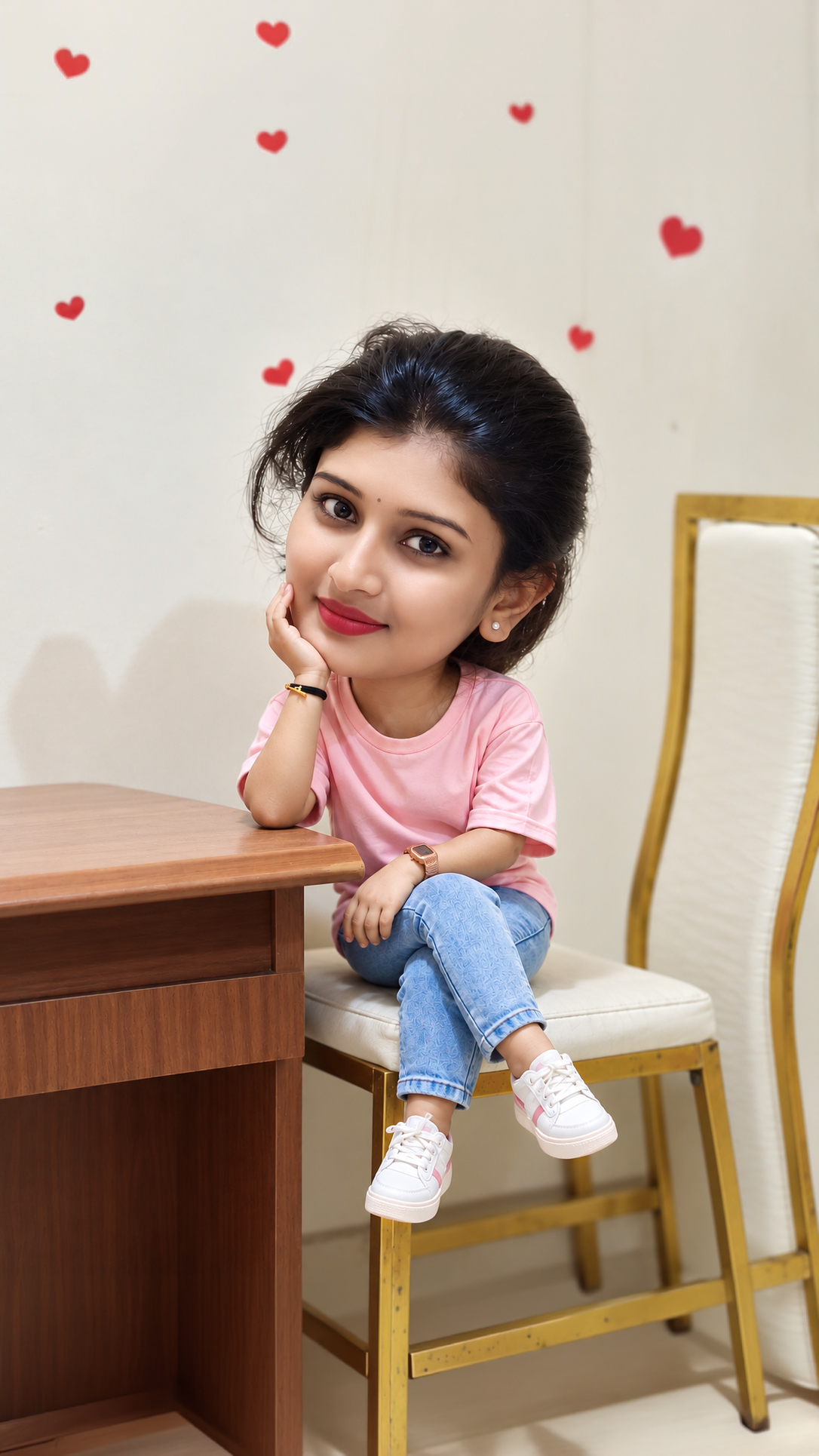
This breakdown is drawn from the wording of the prompt above. It helps you identify which visual instructions to keep consistent and which ones you may want to adjust.
Subject and identity: Preserve her natural facial features with complete accuracy, including her exact face shape, forehead, eyebrows, eyelashes, eyes, nose, lips,
Clothing and styling: Dress her brown denim crop jacket with black tank top (not crop) with black jeans, paired with clean matching shoes, Keep the high ponytail hairstyle, with long, straight dark brown hair, natural shine,
Pose and composition: Capture her in a happy, relaxed, confident walking pose, smiling naturally while looking to camera
Setting and background: Place her in a beautiful luxury outdoor lifestyle setting featuring stylish European-inspired architecture, elegant walkways, premium cafés, designer storefronts, soft greenery, artistic street
Lighting and colour: details, warm golden-hour sunlight, and a creamy cinematic bokeh background. Use soft golden-hour lighting to create warm highlights on her face and hair, natural skin tones,
Camera and photography: Camera: Canon EOS R5 with RF 85mm f/1. 2, ISO 100, 1/2000 sec, eye-level
How to Customize This Prompt
This prompt is a starting point. Keep the instructions that define the intended subject and visual direction, then adjust selected details to create a version that matches your project.
Elements covered in this prompt: clothing and styling, pose and expression, setting and background, lighting and colour, camera and framing. Keep the elements that matter to your intended result, and edit only the details you want to explore.
Ideas to Try
Clothing and styling: change one specific item at a time—such as garment colour, fabric, drape or jewellery—so you can compare the result without changing the whole scene.
Pose and expression: experiment with one detail at a time, such as gaze direction, hand placement, posture or the distance between subjects. Keep the main composition if it is important to the result.
Setting and background: try a different location, backdrop or level of background detail while keeping the main subject easy to identify.
Lighting and colour: change the light source or direction first. Then refine warmth, contrast, colour balance and shadow softness.
Camera and framing: test a different crop, camera angle or depth of field. Lens and camera specifications act as visual guidance; image generators do not reproduce physical camera settings consistently.
How to Use It
Copy the prompt and paste it into your preferred AI image generator.
If the prompt refers to a reference photo, upload it only if your chosen tool supports image references.
Generate a first result, compare it with the intended subject and composition, then revise one visual detail at a time.
Make Changes Carefully
For a useful comparison, save the original wording and change one major element per attempt. This makes it easier to see whether the change improved the result. Different AI tools may interpret the same wording differently, so review the output rather than expecting identical results.