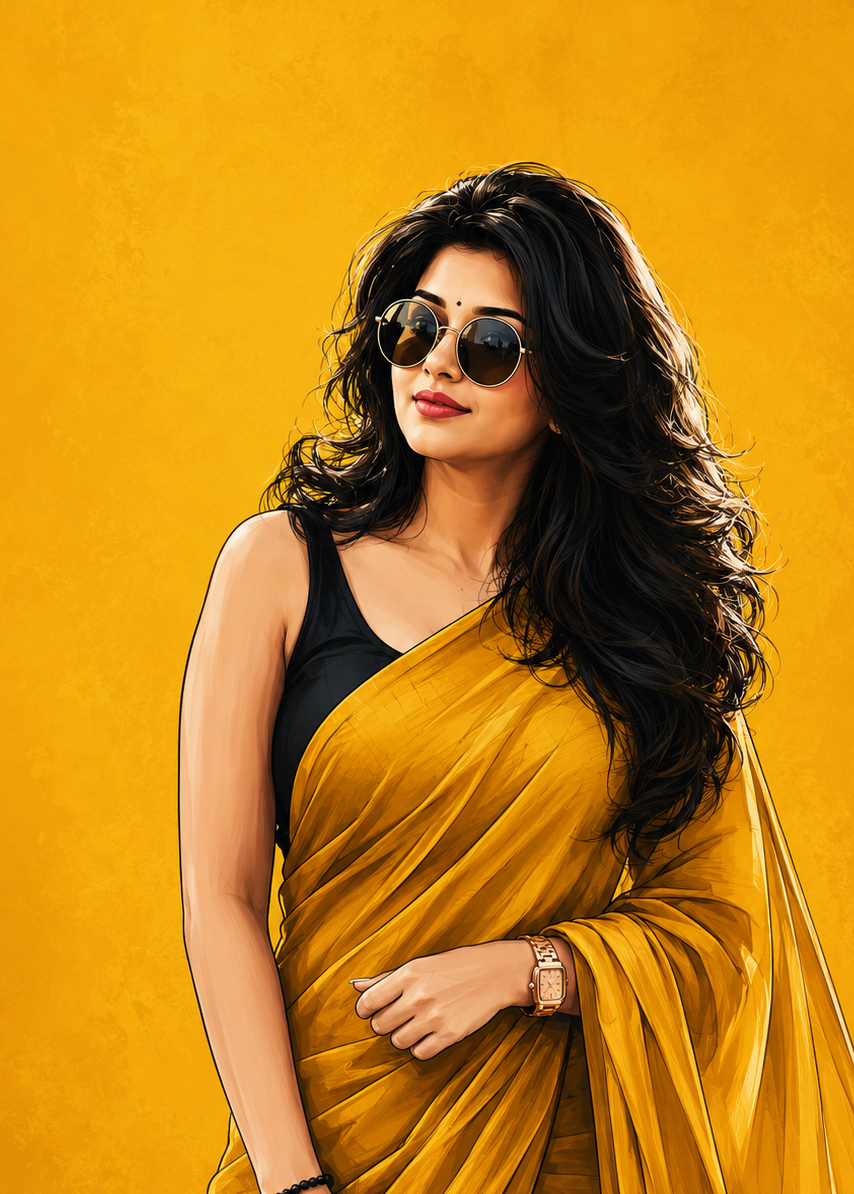
Create a high-end digital illustration poster featuring the uploaded girl
transformed into a confident, stylish fashion icon. Preserve her facial features
and identity while rendering her in a clean, modern vector-painting style with
smooth brushwork, bold outlines, rich shading, and premium editorial artwork
quality.
Pose her in a powerful and elegant stance: body slightly angled, shoulders
relaxed, head tilted upward with a confident, fearless expression. Maintain a
poised posture with arms naturally positioned near the body, creating a calm
yet dominant presence. The overall attitude should convey independence,
confidence, elegance, and self-assurance.
Style her with voluminous shoulder-length wavy black hair, naturally flowing
with realistic texture and movement. Add oversized round black sunglasses
with thin metallic frames, reflecting subtle ambient light. Dress her in a vibrant
mustard-yellow saree draped gracefully over a sleeveless black blouse. The
saree should feature realistic folds, fabric texture, and elegant draping that
enhances the fashion-forward look.
Background: a solid rich mustard-yellow backdrop with a soft textured gradient
and minimal artistic grain. Keep the background completely clean and
uncluttered with no objects, patterns, logos, watermarks, borders, captions,
quotes, typography, or text elements of any kind.
Lighting should be soft and cinematic, creating warm highlights on the skin and
realistic depth in the hair, clothing, and accessories. Use a modern fashion
poster composition with the subject positioned slightly toward the lower-right
portion of the frame, leaving generous negative space around her for a
premium minimalist aesthetic.
Ultra-detailed digital painting, editorial fashion illustration, luxury magazine
cover quality, crisp linework, smooth color transitions, realistic facial
rendering, elegant color harmony, high contrast, professional artwork,
sophisticated mood, 4K resolution, vertical 9:16 aspect ratio, sharp focus,
premium contemporary poster design.
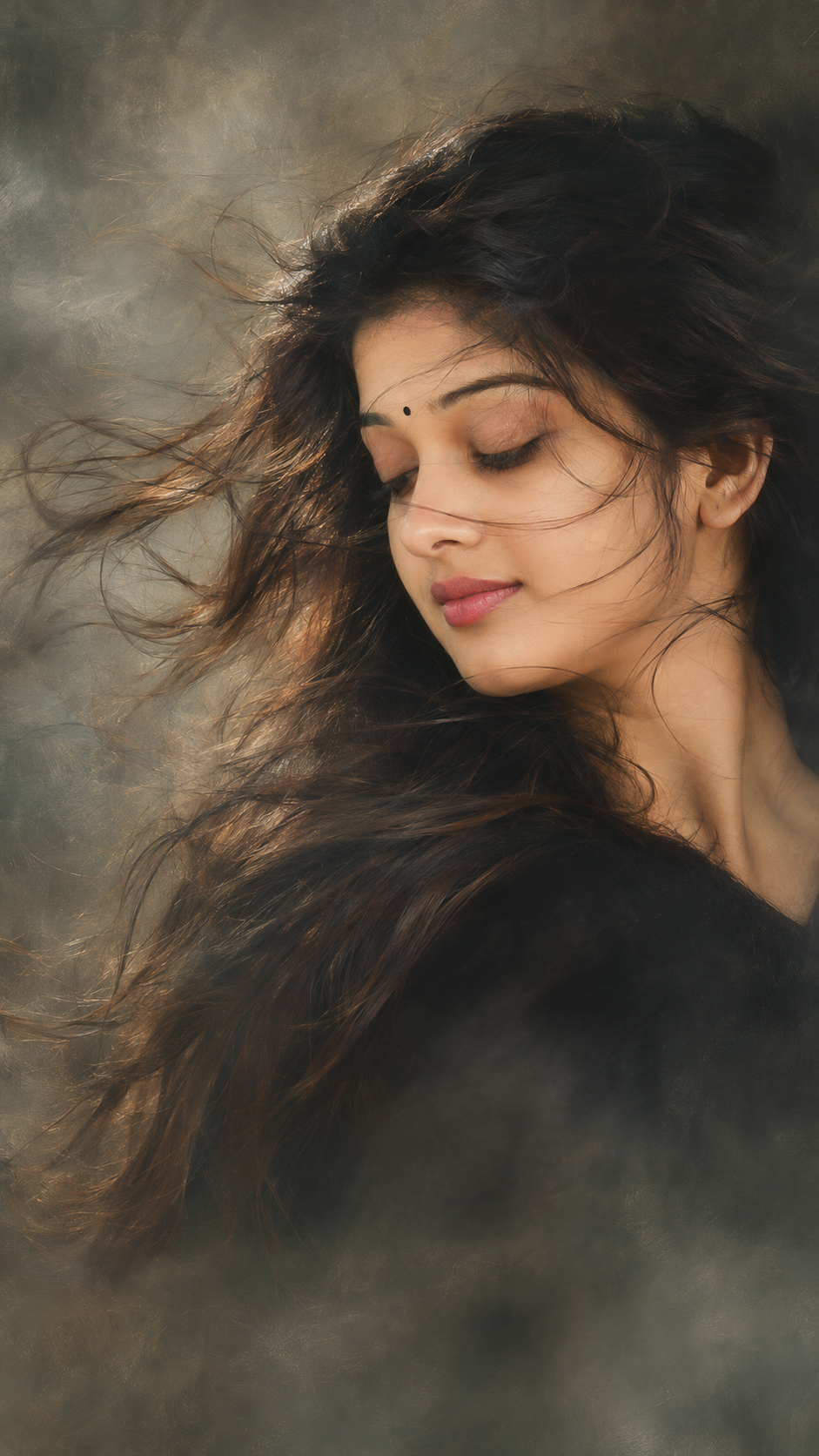
This breakdown is drawn from the wording of the prompt above. It helps you identify which visual instructions to keep consistent and which ones you may want to adjust.
Subject and identity: Preserve her facial features
Clothing and styling: mustard-yellow saree draped gracefully over a sleeveless black blouse. saree should feature realistic folds, fabric texture, and elegant draping that
Pose and composition: Pose her in a powerful and elegant stance: body slightly angled, shoulders relaxed, head tilted upward with a confident, fearless expression.
Setting and background: Background: a solid rich mustard-yellow backdrop with a soft textured gradient Keep the background completely clean and
Lighting and colour: with thin metallic frames, reflecting subtle ambient light. Lighting should be soft and cinematic, creating warm highlights on the skin and
Artistic medium and style: Create a high-end digital illustration poster featuring the uploaded girl Ultra-detailed digital painting, editorial fashion illustration, luxury magazine
How to Customize This Prompt
This prompt is a starting point. Keep the instructions that define the intended subject and visual direction, then adjust selected details to create a version that matches your project.
Elements covered in this prompt: clothing and styling, pose and expression, setting and background, lighting and colour, artistic medium. Keep the elements that matter to your intended result, and edit only the details you want to explore.
Ideas to Try
Clothing and styling: change one specific item at a time—such as garment colour, fabric, drape or jewellery—so you can compare the result without changing the whole scene.
Pose and expression: experiment with one detail at a time, such as gaze direction, hand placement, posture or the distance between subjects. Keep the main composition if it is important to the result.
Setting and background: try a different location, backdrop or level of background detail while keeping the main subject easy to identify.
Lighting and colour: change the light source or direction first. Then refine warmth, contrast, colour balance and shadow softness.
Artistic medium: compare one medium or rendering approach at a time—for example, painterly brushwork versus a cleaner digital finish—while keeping the subject and composition consistent.
How to Use It
Copy the prompt and paste it into your preferred AI image generator.
If the prompt refers to a reference photo, upload it only if your chosen tool supports image references.
Generate a first result, compare it with the intended subject and composition, then revise one visual detail at a time.
Make Changes Carefully
For a useful comparison, save the original wording and change one major element per attempt. This makes it easier to see whether the change improved the result. Different AI tools may interpret the same wording differently, so review the output rather than expecting identical results.