PROMPT STUDIO ✨ ← All Prompts
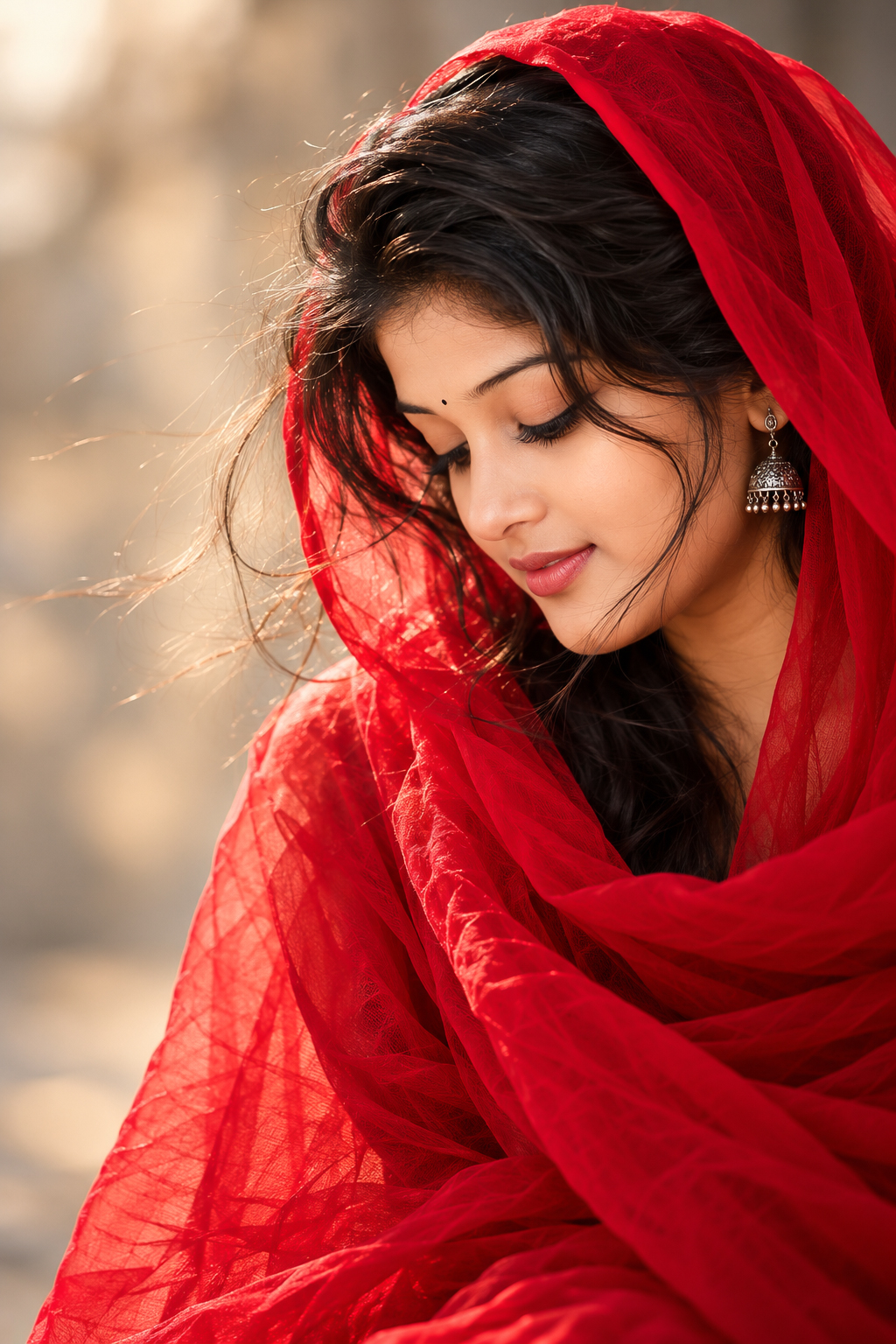
❀️‍πŸ”₯ Wrapped in red, lost in a little moment of magic ✨ β€” Cinematic AI image prompt
Cinematic

❀️‍πŸ”₯ Wrapped in red, lost in a little moment of magic ✨

Prompt

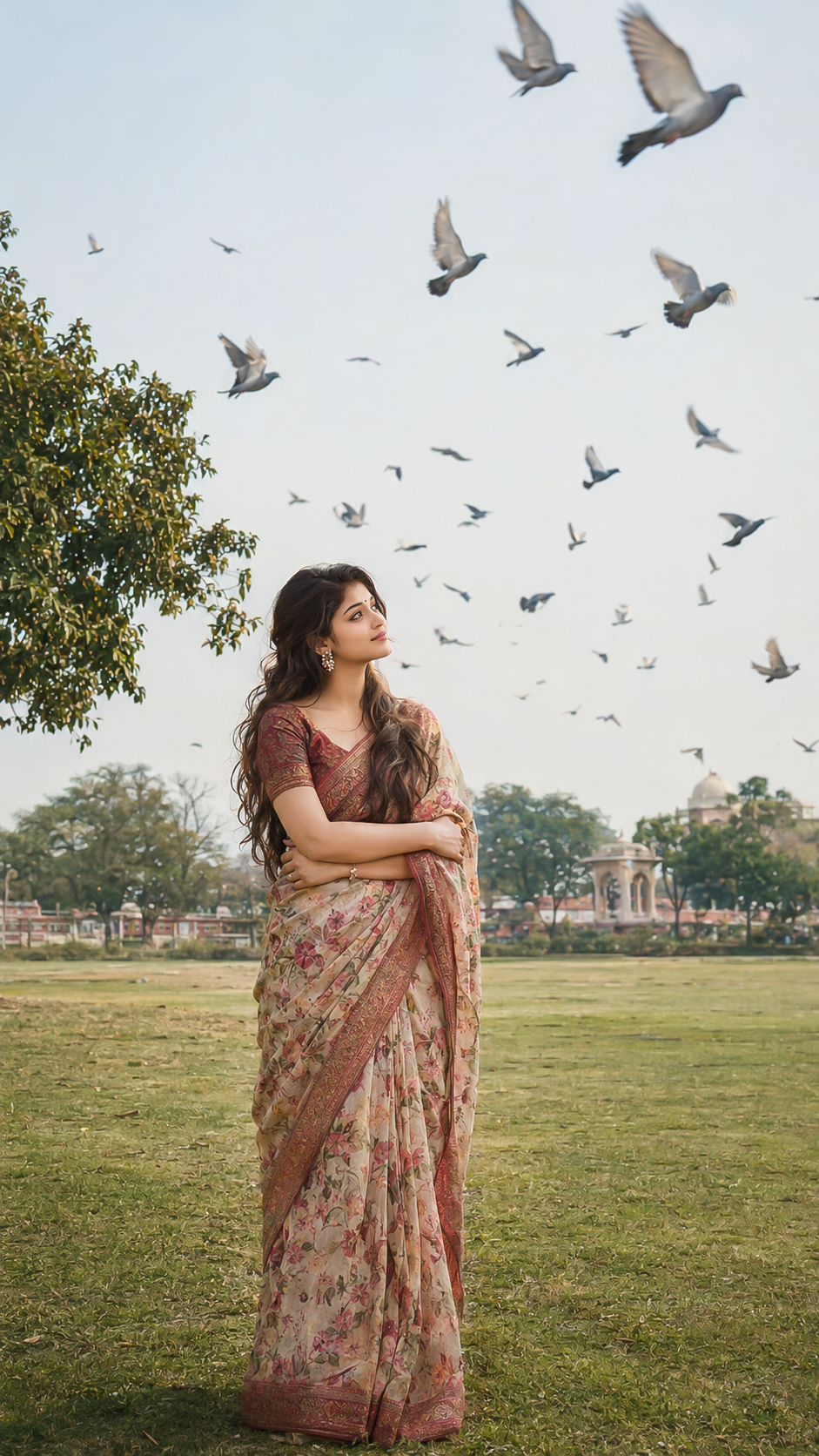
Cinematic side-profile portrait of a young woman looking down with a serene, contemplative expression, eyes gently closed with long dark lashes. She wears a flowing vivid crimson-red chiffon dupatta draped over her head like a hood, the sheer fabric softly wrinkled and catching the light, cascading over her shoulders in loose folds. Loose strands of dark black hair drift across her cheek and blow gently in the breeze. Smooth, glowing skin with a warm natural tone, soft rosy lips, defined eyebrows, subtle winged eyeliner. Extremely shallow depth of field with a creamy blurred background in soft beige and warm grey-cream tones. Soft, diffused natural light from the front-side, delicate highlights on the nose bridge and cheekbone. Tight close-up framing, subject positioned on the right side of the frame with negative space on the left. Emotional, poetic, elegant mood. Shot on 85mm f/1.4 lens, ultra-detailed, photorealistic, fine art portrait photography, rich color contrast between saturated red and muted neutral background. Aspect ratio: 4:6 (equivalent to 2:3) Midjourney: --ar 2:3 Others: set to 1024Γ—1536 px Negative prompt (optional): blurry face, extra fingers, distorted eyes, harsh shadows, oversaturated skin, watermark, text, cartoon, low resolution, deformed features
Key Details in This Prompt

This breakdown is drawn from the wording of the prompt above. It helps you identify which visual instructions to keep consistent and which ones you may want to adjust.

How to Customize This Prompt

This prompt is a starting point. Keep the instructions that define the intended subject and visual direction, then adjust selected details to create a version that matches your project.

Elements covered in this prompt: clothing and styling, pose and expression, setting and background, lighting and colour, camera and framing. Keep the elements that matter to your intended result, and edit only the details you want to explore.

Ideas to Try

How to Use It

  1. Copy the prompt and paste it into your preferred AI image generator.
  2. If the prompt refers to a reference photo, upload it only if your chosen tool supports image references.
  3. Generate a first result, compare it with the intended subject and composition, then revise one visual detail at a time.

Make Changes Carefully

For a useful comparison, save the original wording and change one major element per attempt. This makes it easier to see whether the change improved the result. Different AI tools may interpret the same wording differently, so review the output rather than expecting identical results.

Browse Cinematic prompts β†’   Β·   ✨ Discover all AI prompts