PROMPT STUDIO ✨ ← All Prompts
PHOTOGRAPHY PROMPT — Cinematic AI image prompt
Cinematic

PHOTOGRAPHY PROMPT

Prompt

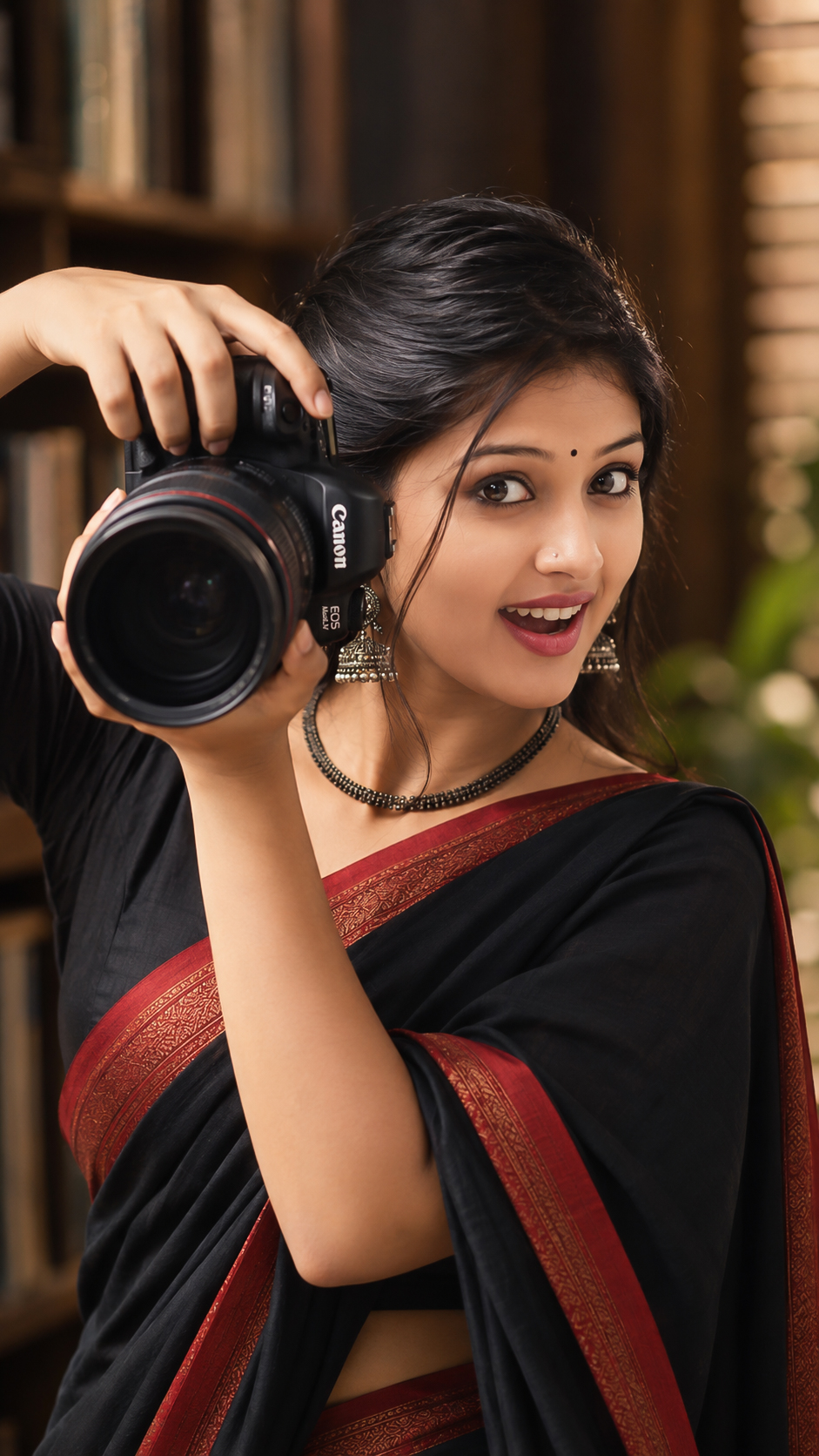
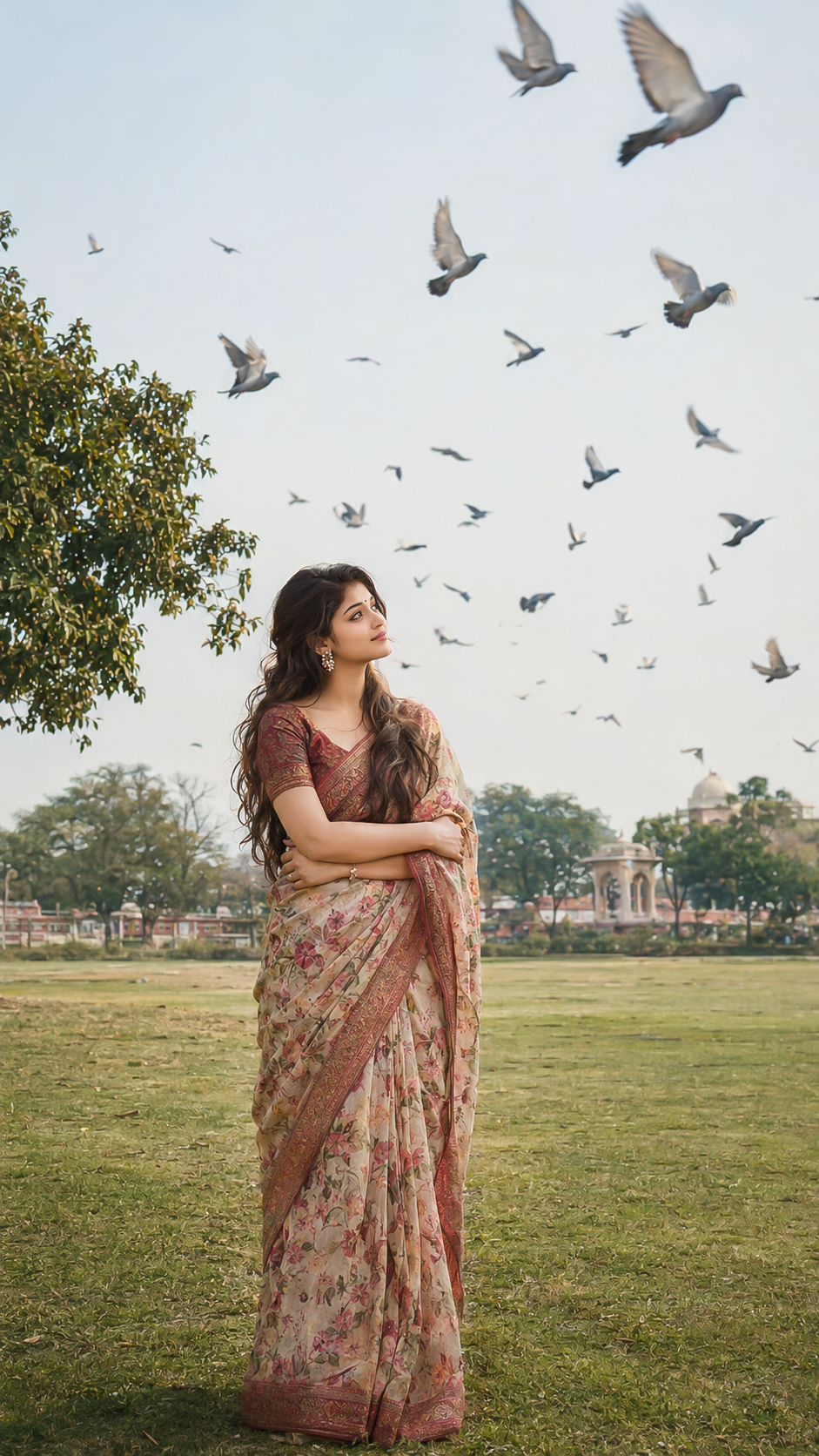
Create an ultra-realistic cinematic 9:16 DSLR portrait using the uploaded girl as the exact subject. Preserve her natural facial identity and skin tone. Dress her in an elegant black saree with a deep red border and matching black blouse. Recreate the same playful photographer pose, holding a professional DSLR camera beside her face with both hands. Give her the same excited, cheerful expression with wide expressive eyes, a big natural open smile, and direct eye contact with the camera. Style her hair in a beautiful sleek side-parted hairstyle, neatly tied back with a few soft loose strands framing her face. Add a tiny black bindi, black oxidized necklace and matching oxidized jhumka earrings. Use soft natural cinematic lighting, realistic skin texture, detailed hair and fabric, shallow depth of field and premium DSLR photography. 16K HDR, ultra realistic, sharp facial details, vertical 9:16. Negative: plastic skin, altered face, dull expression, blurry face, bad hands, extra fingers, distorted camera, unrealistic jewelry, low quality.
Key Details in This Prompt

This breakdown is drawn from the wording of the prompt above. It helps you identify which visual instructions to keep consistent and which ones you may want to adjust.

How to Customize This Prompt

This prompt is a starting point. Keep the instructions that define the intended subject and visual direction, then adjust selected details to create a version that matches your project.

Elements covered in this prompt: reference identity, clothing and styling, pose and expression, lighting and colour, camera and framing. Keep the elements that matter to your intended result, and edit only the details you want to explore.

Ideas to Try

How to Use It

  1. Copy the prompt and paste it into your preferred AI image generator.
  2. If the prompt refers to a reference photo, upload it only if your chosen tool supports image references.
  3. Generate a first result, compare it with the intended subject and composition, then revise one visual detail at a time.

Make Changes Carefully

For a useful comparison, save the original wording and change one major element per attempt. This makes it easier to see whether the change improved the result. Different AI tools may interpret the same wording differently, so review the output rather than expecting identical results.

Browse Cinematic prompts →   ·   ✨ Discover all AI prompts